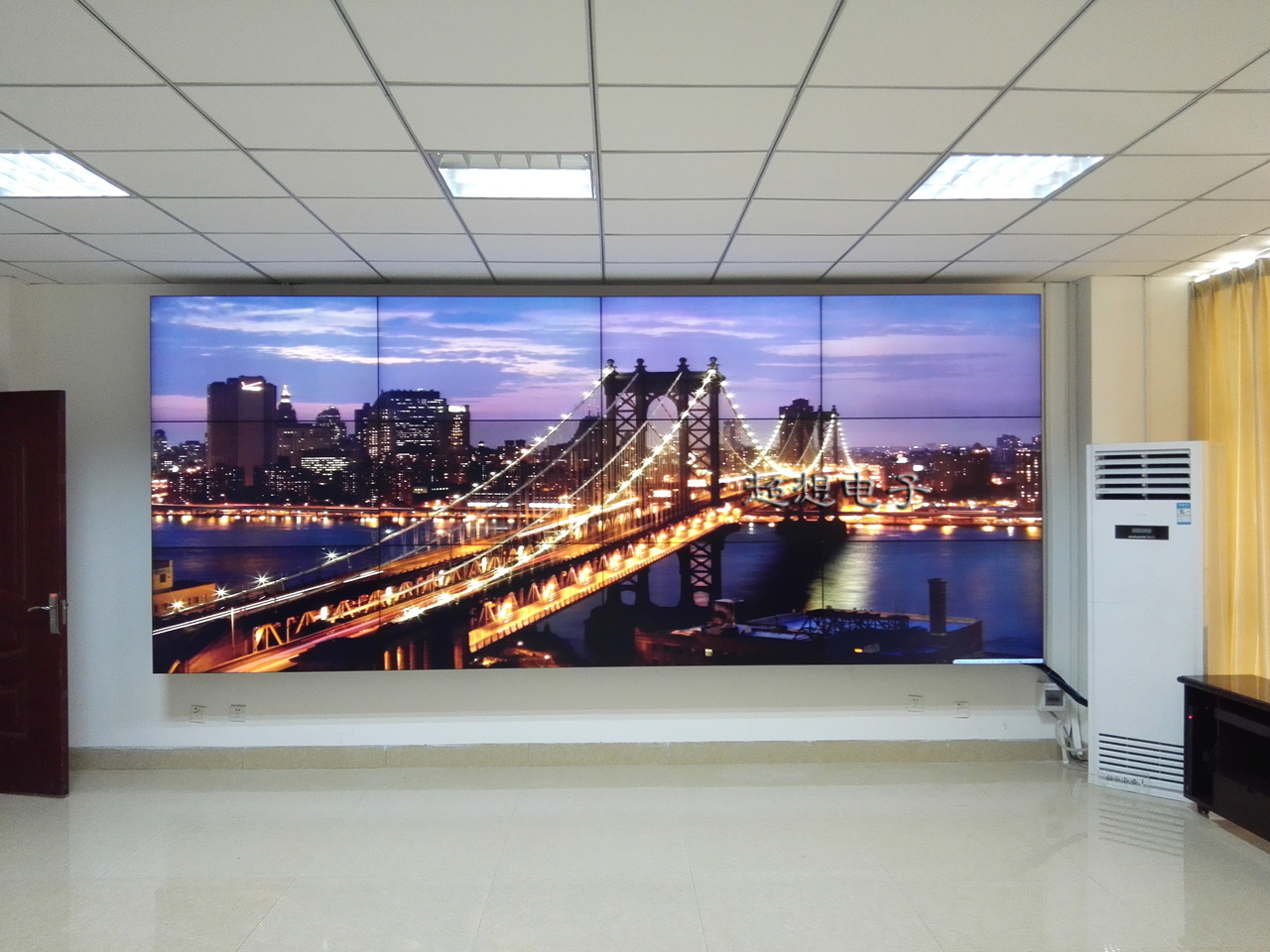
PIXINSIDE will be in this article for you to sort out LED display failure problems and reasons.
First, display problems
(1) Full black screen
1. The power supply is faulty
First check whether the total power supply of the display screen is normal. Check whether the power indicator is on. If it is not, the power plug may be loose, the socket is faulty, or the power supply itself is damaged. Use a multimeter to check whether the power output voltage is in the normal range, the general LED display power output voltage is 5V, 12V, etc. If the voltage is abnormal, you need to replace the power supply.
A broken power line may also cause a black screen. Check whether the power cord is damaged or broken, especially in the parts that are often bent or easily squeezed by external forces.
2. The controller card is faulty
The control card is the key component to control the content of the LED display. If the control card is damaged or malfunctioning, it may not be able to send the correct signal to the display. Check the status of the indicator on the control card. Different brands of the control card indicator have different meanings, but generally there are power indicators and data transmission indicators. If the data transmission indicator does not blink or is steady on or off, it may be the connection between the control card and the computer or the control card itself is faulty. Try to reinsert the data cable between the control card and the computer, such as USB cable, network cable, etc., if the problem persists, you may need to replace the control card.
An error may occur in the program of the control card. If the display is newly installed or the control software has been upgraded recently, you may need to re-check the Settings and procedures of the control card. Ensure that the parameters of the control card (such as display resolution, scanning mode, etc.) match the actual display hardware.
(2) Some black screens
1. The module is faulty
LED display is composed of multiple modules. If there is a problem with a module, the corresponding area of the module may be black. Check whether the power cable of the module is properly connected. The power cable may be loose. At the same time, check whether the LED lamp beads on the module have obvious signs of damage, such as black lamp beads, cracked, etc. If you find a damaged lamp bead, you can try to replace the module or repair the lamp bead (for those who have a certain maintenance ability).
The connection between modules may be loose, broken and other problems. Carefully check the cable connection to ensure that the cable plug is fully inserted into the interface of the module and that the cable is not broken. If the cable is damaged, replace the cable with a new one.
2. The scanning board is faulty
The scanning board is responsible for controlling the scanning and lighting sequence of LED light beads in the module. If the scan board is faulty, some areas may not be displayed properly. Check the power supply of the scan board and the connection between the module and the control card. You can use the replacement method to replace the suspected faulty scan board with a working scan board to determine whether the scan board is faulty.
(3) Flower screen
1. Data cable problem
Poor data transmission line quality, too long, or electromagnetic interference can cause the screen phenomenon. Check whether the data line is damaged or aging, especially whether the shielding layer is intact. If the data line is too long, you can consider adding a signal amplifier or using a better quality data line. At the same time, it is necessary to avoid parallel laying of data lines and strong current lines (such as power cables) to prevent electromagnetic interference. If there is interference, you can use a shielded line or screen the data line.
Loose data cable interface can also cause flower screen. Reinsert the data cable interface between the display and the control card to ensure a solid connection.
2. Video card failure (for the display output signal through the video card)
The problem of the graphics card may cause the output image signal to be abnormal. Update the graphics card driver to the latest version. There may be compatibility issues with older drivers. If the problem persists after updating the driver, you can connect the graphics card to another monitor to see if you have the same screen problem. If the screen is also spent on other displays, it may be the graphics card hardware fault, you need to further check the heat dissipation of the graphics card (overheating may cause the graphics card to work unstable), the graphics memory, etc., is normal, or replace the graphics card.
Second, the brightness problem
(1) The overall brightness is abnormally low
1. The power supply is insufficient
Check whether the power output voltage is normal. If the power supply ages or the load is too heavy, the output voltage may decrease, and the brightness of the display may decrease. You can try to replace the power supply or reduce the load of the display (such as reducing the number of lights lit at the same time, etc.) to determine whether it is a power problem.
Excessive resistance of the power supply line may also affect the supply voltage. Check whether the diameter of the power cable meets the requirements, especially for long-distance power supply. If the cable diameter is too small, a large voltage drop will be generated, and you need to replace the power cable with a proper cable diameter.
2. The brightness Settings are incorrect
Check the control software or the brightness button Settings on the display. It is possible that the brightness value is incorrectly adjusted to a lower value. Adjust the brightness parameters by using the control software, or check whether the hardware brightness adjustment button on the display is working properly.
(2) Uneven brightness
1. Module differences
Different batches of modules may have certain differences in brightness, resulting in uneven display brightness. When installing the display, try to use the same batch of modules. If the brightness is already uneven, you can adjust the brightness compensation parameters on the control card to try to make the brightness even, but the effect of this method may be limited. For displays with higher requirements, you can consider replacing modules with larger brightness differences.
The LED beads inside the module may have different luminous efficiency. This may be due to the quality difference of the lamp beads themselves or the degree of aging after long-term use. Check the lamp bead area with obvious abnormal brightness in the module, and try to replace the lamp bead with a serious aging.
2. Heat dissipation problem
The display will generate heat during the working process, and if the heat dissipation is poor, it may cause the local temperature to be too high, thus affecting the brightness of the LED lamp beads. Check whether the cooling device of the display screen (such as the cooling fan and heat sink) works properly. Ensure that there is sufficient ventilation space around the display to avoid the display working in a high temperature environment for a long time.
Three, the color problem
(1) Overall color bias
1. The white balance setting is incorrect
Check the white balance setting parameters in the control card or control software. If the white balance parameter is incorrect, the overall color of the display may be skewed. Through professional color calibration equipment or according to the actual display effect of the display screen, re-adjust the white balance parameters, so that the white display is normal, so as to correct the overall color bias problem.
The color setting of the signal source may also affect the display color. If the output signal is from a device such as a computer, check whether the color profile in the display Settings of the computer is correct and try to restore it to the default Settings or re-select the appropriate color profile.
2.LED lamp bead itself quality problems
If poor quality LED beads are used, color deviation may occur. In this case, it may be necessary to replace the entire module or replace the faulty lamp beads. Especially for the display with high color accuracy requirements, such as advertising design display, medical image display and other fields of display, it is necessary to choose LED lamp beads with reliable quality.
(2) Local color bias
1. The module or lamp bead is faulty
Similar to global color bias, local color bias can be due to a lamp bead failure within a module or a problem with the module itself. Check the module of the color bias area to see if the lamp beads are damaged, discolored, etc. If it is a lamp bead problem, you can try to replace the lamp bead; If the module is faulty, replace the module.
Poor connection between modules may also cause local color abnormalities. Re-insert and remove the cable, ensure that the connection is good, and observe whether the color returns to normal.